Understanding Terrain-Based Mission Analysis and Terrain Fidelity with Ansys STK
When engineers think about mission analysis, attention naturally goes to the vehicle, trajectory, sensor, communications system, or target.
Read Article →
PyFluent API interfaces, in simple terms, helps you understand how to choose the right one for Fluent automation and where to find the official references.
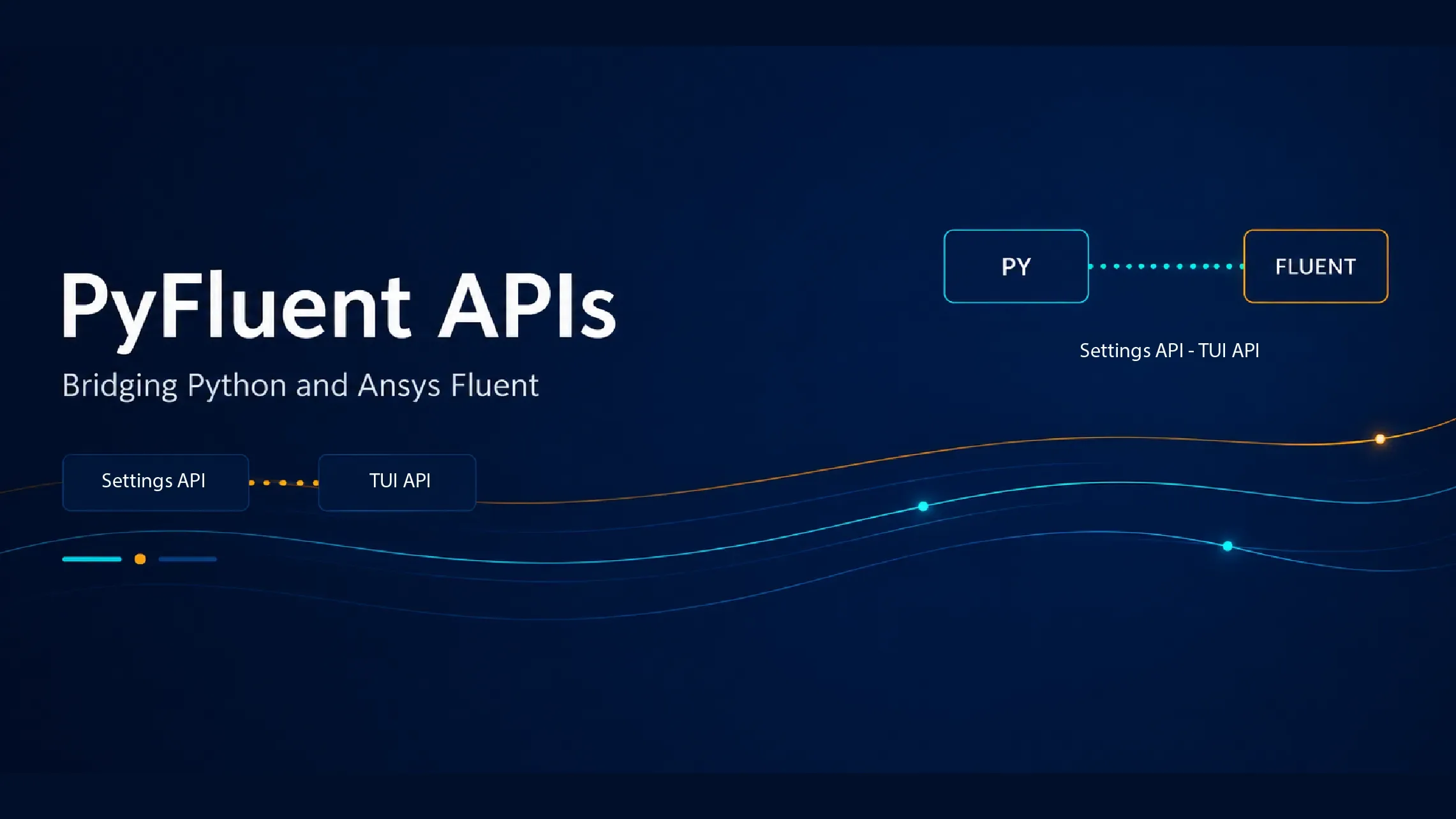
In our previous blogs, we explored what PyFluent is, how it works, and the different packages it provides. In this blog, we take the next step and explore the APIs available in PyFluent.
Understanding these APIs is important because they form the foundation of Fluent automation. Once you know the available API options, you can choose the approach best suited to your workflow and development needs.
If the term “API” sounds complicated, don’t worry. In this blog, we’ll break it down with simple examples and practical explanations. By the end, you’ll understand the two primary API interfaces provided by PyFluent and know how to find API references in the official PyFluent documentation.
An API (Application Programming Interface) is a set of rules that allows one software application to communicate with another. In the case of PyFluent, APIs let Python programs interact with Ansys Fluent without requiring manual operations in the Fluent GUI.
Let’s understand this with a simple story. Think about what happens when you go to an ATM to withdraw money:

PyFluent provides two primary interfaces for interacting with a Fluent session: the Settings API and the TUI API. Both ultimately control the same Fluent solver, but they differ significantly in usability, style, and development experience.
The Settings API is designed with modern Python development in mind. Instead of relying on string commands, it gives you a clean, object-oriented interface for controlling the solver, closely mirroring the object tree you see in the Ansys Fluent application itself.

Advantages of the Settings API
The Settings API feels like writing Python code that understands the solver, rather than sending instructions blindly.
TUI stands for Text User Interface. The TUI API exposes Fluent’s command-driven interface through Python, letting you run the same commands you would normally type into the Fluent console. Every Ansys Fluent text-interface command is available through the TUI API.

Advantages of the TUI API
The trade-off is that this approach requires memorizing command structures and passing arguments as strings, which can be error-prone.
At the end of the day, both the Settings API and the TUI API are just different ways of controlling the same Fluent solver, but the experience each provides is quite different.
The Settings API brings a modern, Python-friendly approach where everything feels structured, readable, and intuitive. It aligns naturally with how developers think and write code today: instead of remembering commands, you explore and interact with the solver as if it were a well-organized Python object.
The TUI API still plays an important role. It gives you complete access to Fluent’s internal capabilities and is especially useful for legacy workflows or features not yet exposed in the Settings API.
In real-world usage, it isn’t about choosing one over the other. A practical approach is to:
From a developer’s perspective, the Settings API is clearly the future. It improves productivity, reduces errors, and makes automation more enjoyable. Understanding the TUI API, however, ensures you’re never limited in what you can achieve.
Need support in automating your project? Looking to learn through hands-on workshops? We’re here to help you!
Contact us: trainings@cadfem.in, pyansys@cadfem.in
 DME
When engineers think about mission analysis, attention naturally goes to the vehicle, trajectory, sensor, communications system, or target.
Read Article → Structures
Laminated composite materials such as fiber reinforced polymers (FRPs) offer exceptional strength-to-weight ratios, making them essential in aerospace, defense, and automotive engineering.
Read Article → Multi Physics
Read the CADFEM guide to smart BMS functions, automotive thermal management, centralized vs. modular architectures, and Ansys simulation
Read Article →Connect with CADFEM experts for advanced simulation, automation, and engineering solutions tailored to your industry.